
 Shop all Shure
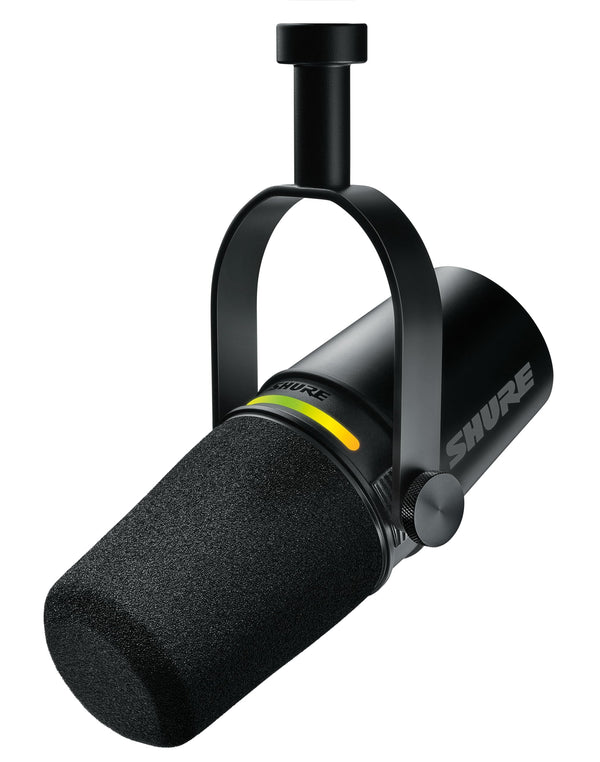
Shure MV7+K Dynamic USB-C/XLR Podcast Microphone
In Stock
Free 2nd-Day Air
Est. delivery by Tue, Nov 3


 Shop all Zoom
Find car audio installers near you, ratings, phone, and directions.
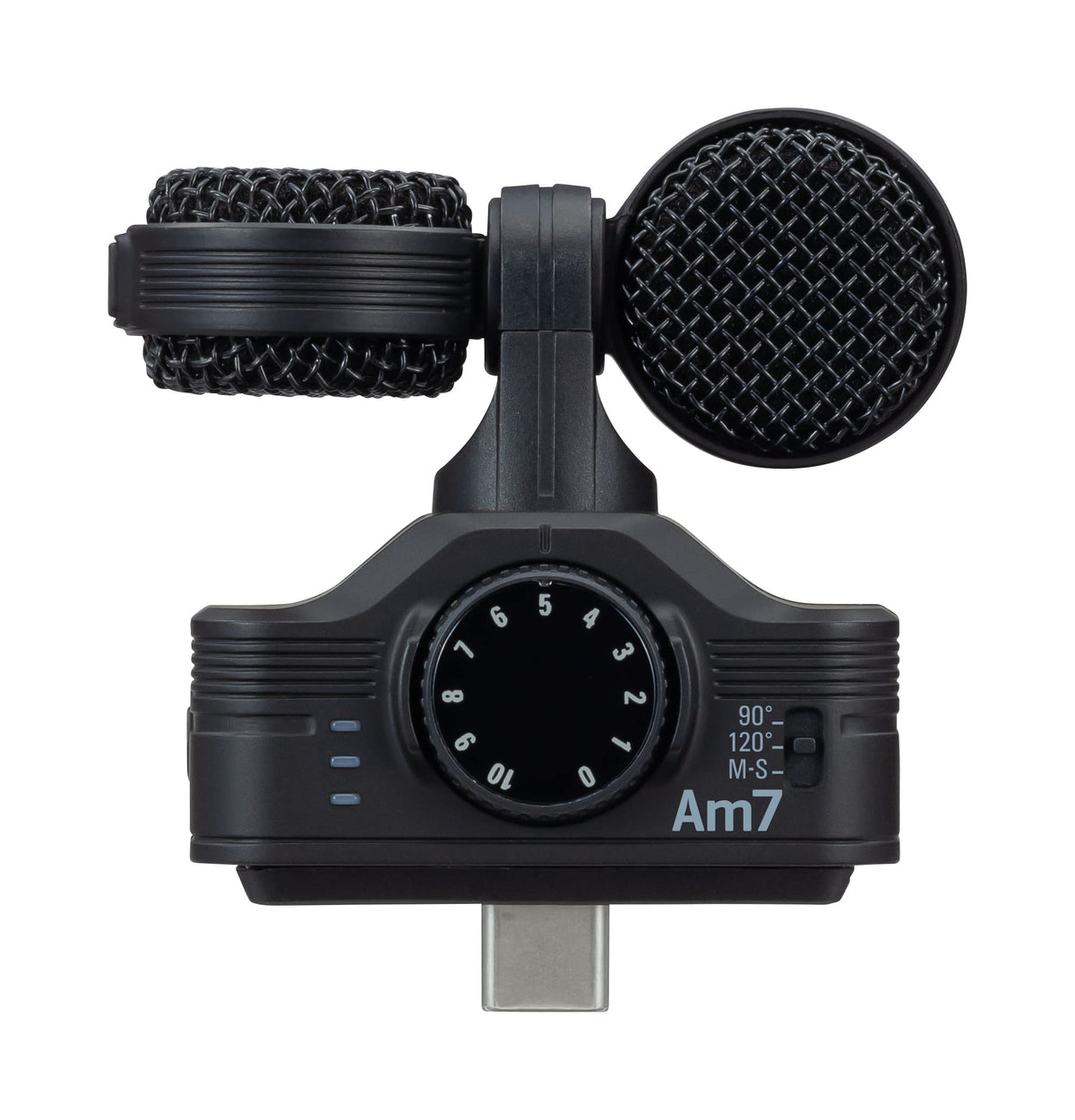
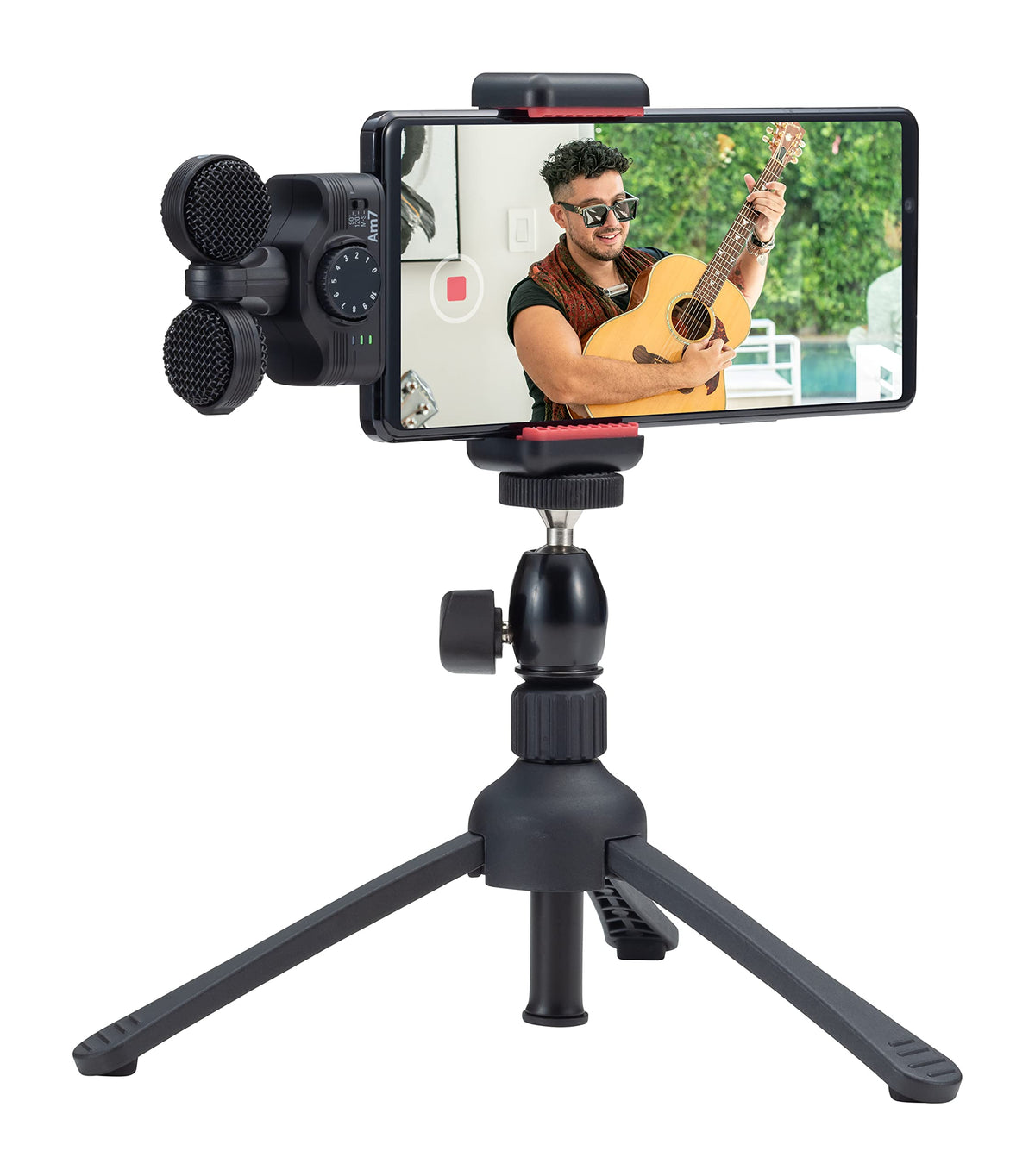
The Zoom Am7 is a compact USB-C mid-side stereo microphone designed to bring higher-quality audio recording to compatible Android devices. It connects directly to an Android device's USB Type-C port, making it a practical option for recording music, interviews, ambient sound, and video without carrying a separate recorder. Its integrated design keeps the recording setup compact for mobile production.
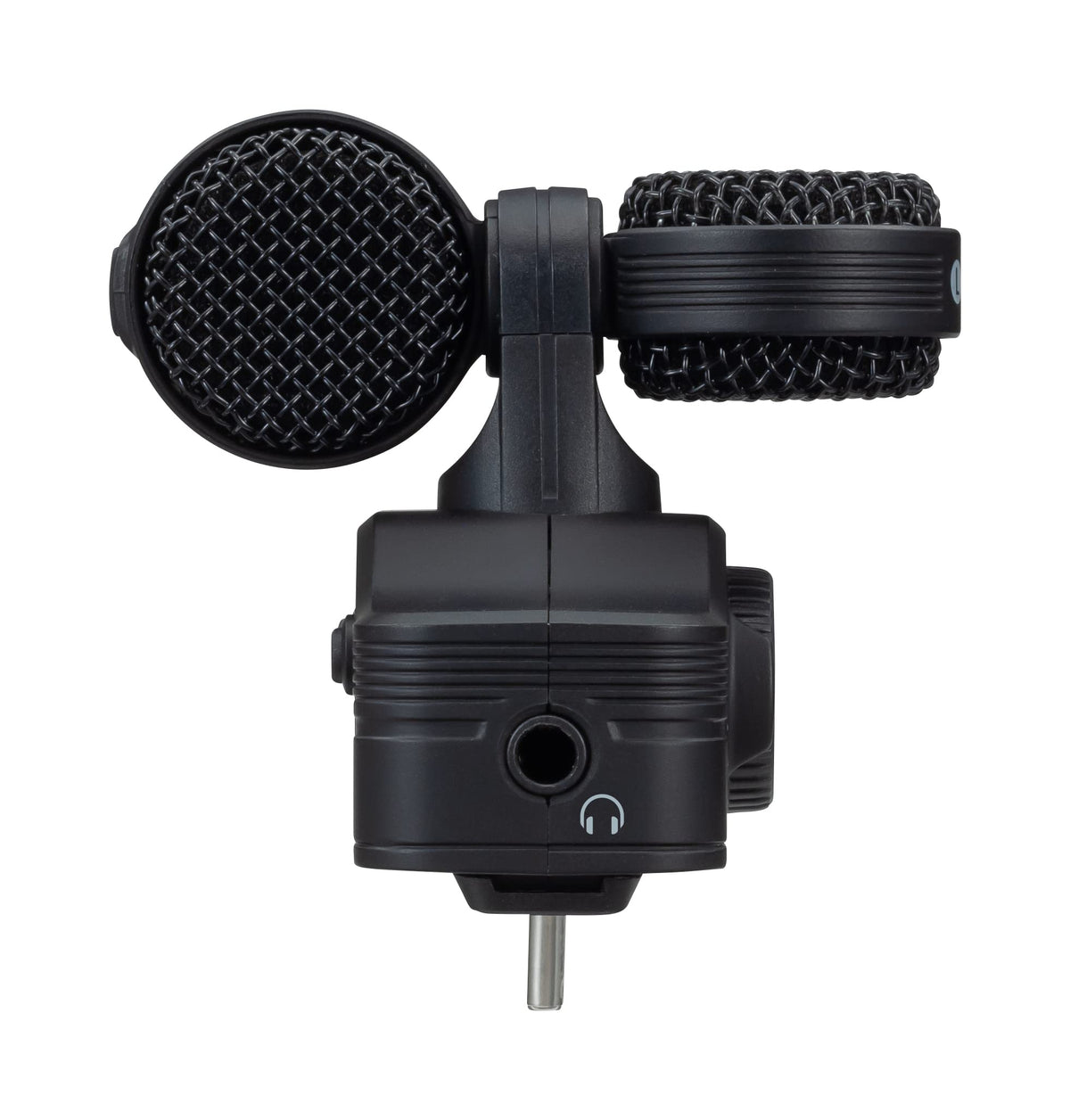
Built for creators who use an Android phone or tablet as their recording platform, the Am7 works with the free Zoom Handy Recorder app and other Android apps that accept an external microphone input. It can also be used with compatible camera applications for improved sound when shooting video. A combined stereo mini jack provides headphone monitoring and can also serve as a line-level output.
The Am7 uses a Mid-Side stereo microphone configuration with selectable 90-degree, 120-degree, and M-S recording modes. The 90-degree setting suits a more focused stereo image, while the 120-degree setting captures a broader left-to-right sound field. M-S recording allows stereo width adjustment after recording in the Handy Recorder app.
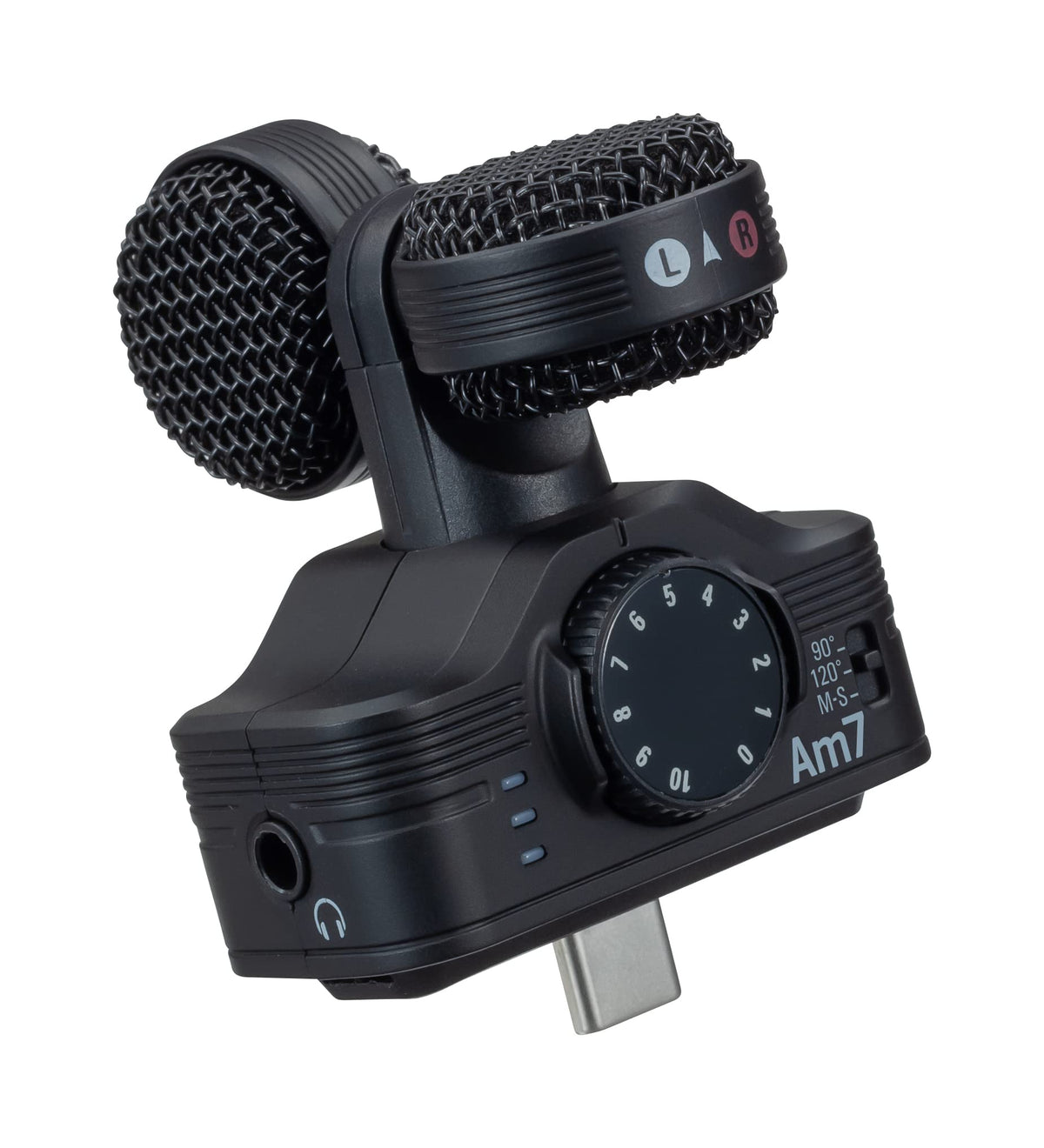
A rotating microphone capsule helps maintain correct stereo orientation when switching between audio recording and video recording positions. This is useful when filming in landscape orientation or changing between front and rear camera use. The capsule can be aimed toward the sound source while the connected device remains positioned for the shot.
For practical level control, the Am7 includes a manual MIC GAIN knob and LED level indication. The microphone supports 44.1 kHz or 48 kHz recording at 16-bit resolution and handles sound-pressure levels up to 120 dB SPL. It is powered by the connected device, so no separate battery is required.
The Am7 combines a compact M-S stereo microphone, USB Type-C connector, gain knob, stereo-width switch, LED level indicator, and stereo mini jack in one portable housing. Its microphone assembly rotates for orientation changes, and the included case adjuster can be removed when a device case interferes with full USB-C insertion. A foam windscreen is included to help reduce wind noise during outdoor recording.
To use it, fully connect the Am7 to a compatible Android device's USB-C port and open the Handy Recorder app or another app that supports external microphones. Set the desired stereo width, point the mid-microphone arrow toward the recording subject, and adjust gain while watching the LED level indicator. For monitoring, connect headphones to the stereo mini jack; Zoom recommends using Airplane Mode during recording to reduce possible wireless-interference noise.
| Model | Am7 |
|---|---|
| Manufacturer Part Number | ZAm7 |
| UPC | 884354023904 |
| Product Type | USB-C stereo microphone for Android |
| Microphone Configuration | Mid-Side (M-S) stereo microphone |
| Stereo Recording Modes | 90°, 120°, M-S |
| Fixed Stereo Width | 90° |
| Wide Stereo Width | 120° |
| Post-Adjustable M-S Width | 30° to 150° in Handy Recorder app |
| Microphone Orientation | Rotatable M-S capsule |
| Audio Position | Supported |
| Video Position | Supported |
| Maximum Input Sound Pressure | 120 dB SPL |
| Input Gain Range | +3 dB to +43 dB |
| Audio Resolution | 16-bit |
| Supported Sample Rate | 44.1 kHz |
| Supported Sample Rate | 48 kHz |
| Power Source | Connected device |
| Device Connector | USB Type-C |
| Audio Output Connector | Stereo mini jack |
| Headphone Output | Combined with stereo mini jack |
| Line Output | Combined with stereo mini jack |
| Monitoring | Latency-free direct monitoring with Handy Recorder app |
| Gain Control | Manual MIC GAIN knob |
| Level Indicator | LED level indicator |
| Clip Indication Threshold | -0.25 dB or higher |
| Stereo Width Control | Hardware stereo-width switch |
| External Microphone App Support | Compatible with Android apps that accept external microphones |
| Handy Recorder App | Free download from Google Play |
| Case Compatibility Feature | Removable case adjuster |
| Included Windscreen | Foam windscreen |
| Optional Windscreen | Zoom WSU-1 hairy windscreen |
| Width | 54.5 mm |
| Depth | 57.5 mm |
| Height | 28.1 mm |
| Dimensions | 54.5 W × 57.5 D × 28.1 H mm |
| Weight | 31.8 g |
| Included Items | Am7 microphone, foam windscreen, operation manual |
| iPhone/iPad Compatibility | Not compatible with USB-C iPhone or iPad devices |
The Am7 is made for Android devices with a USB Type-C connector. Zoom states that it is not compatible with USB-C iPhone or iPad devices.
It can be used with Android camera apps and other Android apps that accept an external microphone. Compatibility can vary by Android device and application.
No. The Am7 is powered by the connected Android device through its USB-C connection.
Yes. Its stereo mini jack supports headphone monitoring and also functions as a line-level output. Latency-free direct monitoring is available when using the Zoom Handy Recorder app.
The package includes the Am7 M-S stereo microphone, a foam windscreen, and an operation manual. A removable case adjuster is fitted to the microphone for use with devices in cases.
M-S records without setting stereo width at the microphone, allowing width adjustment after recording in the Handy Recorder app. When used with apps other than Handy Recorder, the M-S setting operates as 120-degree stereo.
Zoom Am7 USB-C Mid-Side Stereo Microphone for Android
Shop all Shure
 Shop all Shure
 Shop all Shure

 Shop all Mackie
 Shop all Mackie
 Shop all Rode
 Shop all Rode
 Shop all Rode
 Shop all Rode
 Shop all PreSonus
 Shop all sE Electronics
 Shop all sE Electronics
 Shop all sE Electronics
 Shop all sE Electronics
 Shop all sE Electronics
 Shop all sE Electronics
 Shop all sE Electronics
 Shop all sE Electronics
 Shop all sE Electronics
 Shop all sE Electronics