

 Shop all KRK
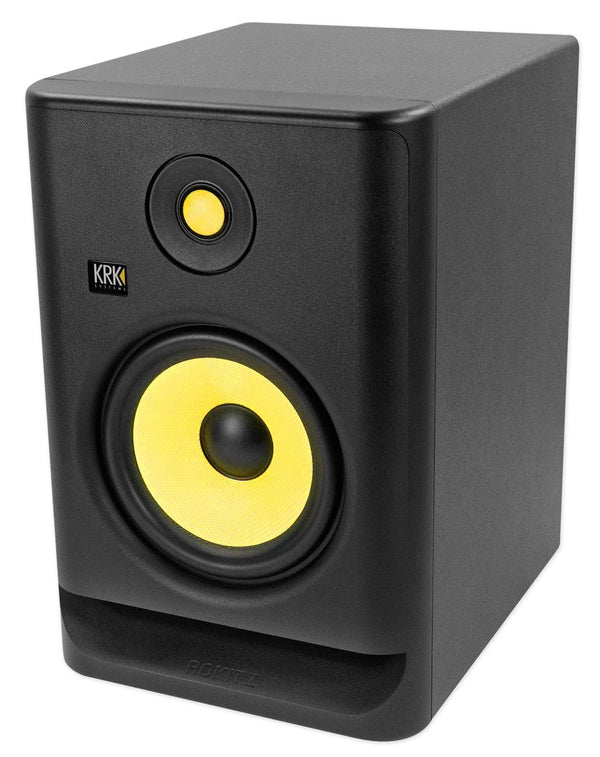
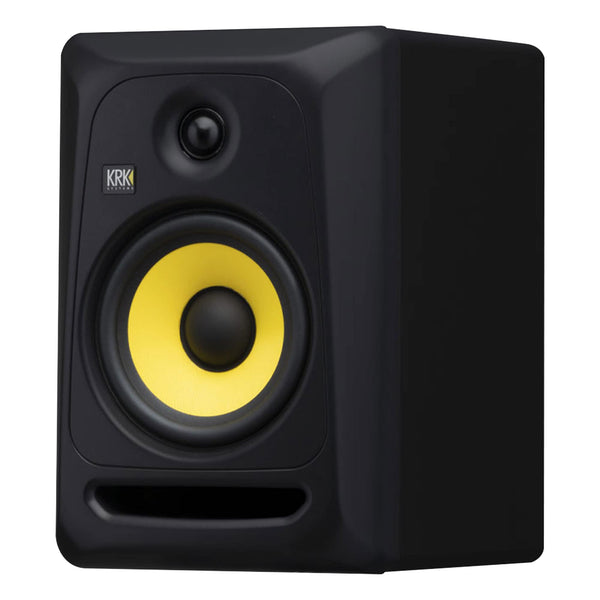
KRK V6S4-NA 6.5" Powered Studio Reference Monitor
In Stock
Free Next-Day Air
Est. delivery by Tue, Sep 22

 Shop all Mackie
Find car audio installers near you, ratings, phone, and directions.
These are made to work together, add them to your cart in one click.
 This item
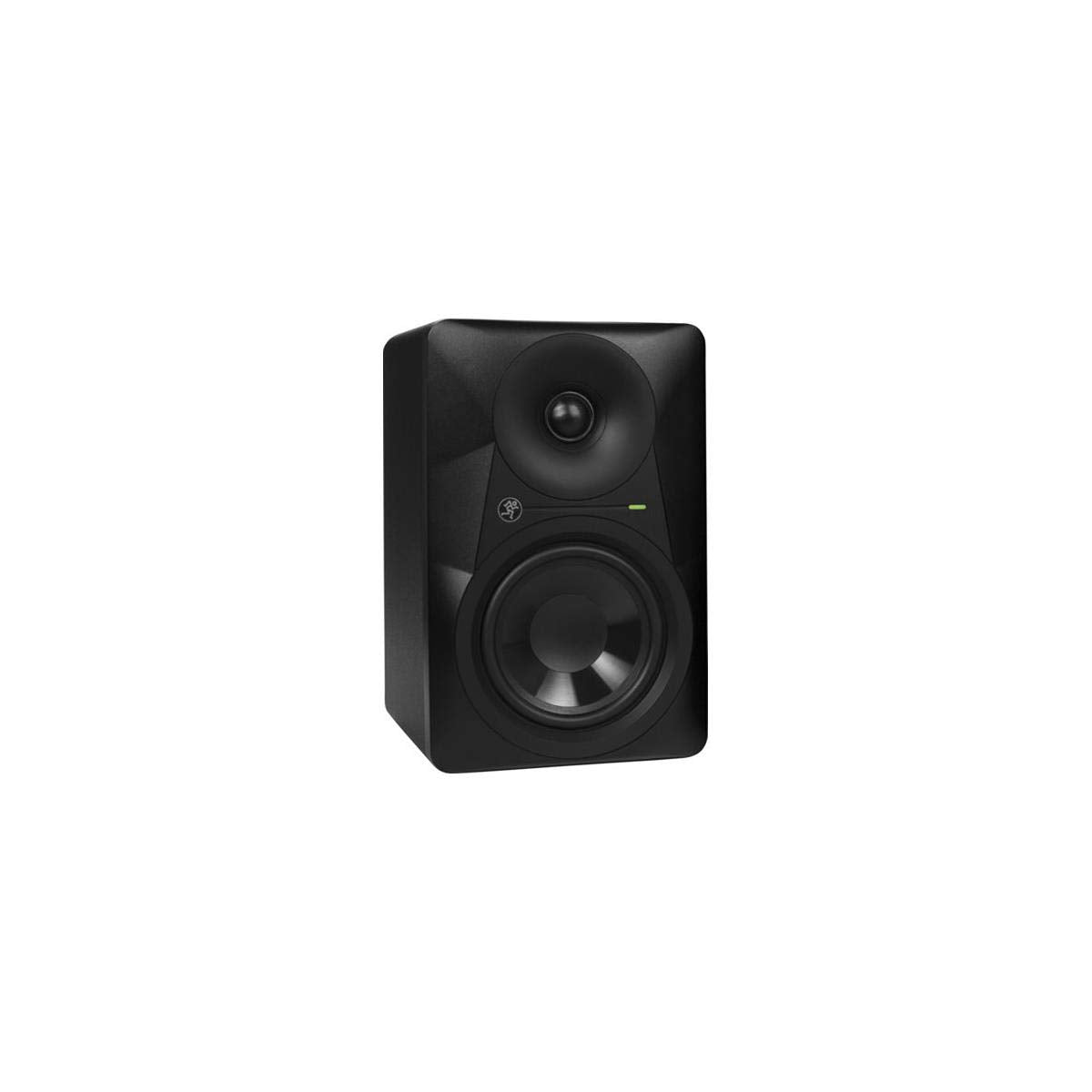
Mackie MR524 5.25" Powered Studio Monitor
$189.99
This item
Mackie MR524 5.25" Powered Studio Monitor
$189.99
 Mogami GOLD TRS-XLRM-03 3' TRS To XLR Male Cable
$71.95
Mogami GOLD TRS-XLRM-03 3' TRS To XLR Male Cable
$71.95
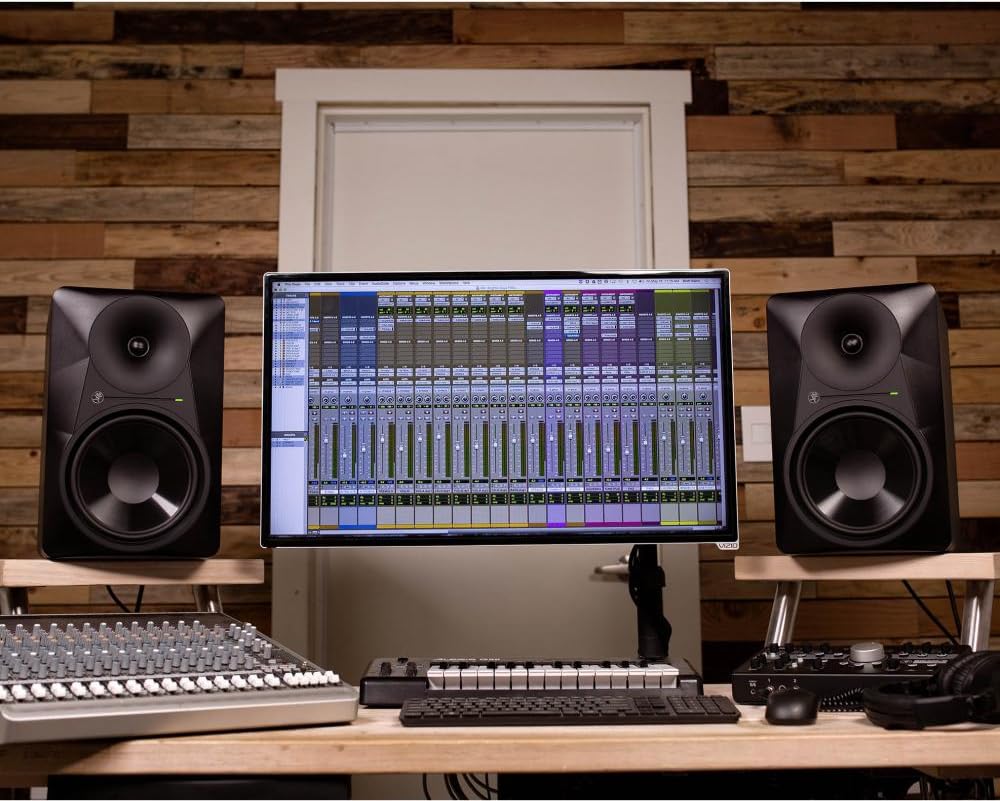
The Mackie MR524 is a compact powered studio monitor built for nearfield listening, recording, editing, and mixing. Its integrated amplification removes the need for a separate speaker amplifier, helping simplify a desktop or project-studio setup. It is designed to reproduce a line-level source with controlled, detailed monitoring rather than as a passive home speaker.
A 5.25-inch polypropylene woofer and 1-inch silk-dome tweeter handle the low/midrange and high-frequency duties. The bi-amplified design provides dedicated power to each driver, with 30 watts assigned to the woofer and 20 watts to the tweeter. Its specified response reaches from 57 Hz to 20 kHz at -3 dB, with lower extension to 45 Hz at -10 dB.
Mackie's logarithmic waveguide is used around the tweeter to support wide dispersion and consistent stereo imaging across the listening area. A 24 dB-per-octave electronic crossover at 2 kHz divides the signal between the drivers. This design is suited to users who need to hear balance, placement, and detail while working with music, dialogue, podcasts, or video audio.
Room placement can have a noticeable effect on a monitor's bass response, especially when it is placed near a wall or in a corner. The MR524 includes a three-position Acoustic Space control to compensate for those positions, with normal, -2 dB, and -4 dB settings. A separate high-frequency filter allows a -2 dB, 0 dB, or +2 dB adjustment at 3 kHz and above.
Balanced XLR and 1/4-inch inputs support connection from common mixers, monitor controllers, and audio interfaces, while an RCA input accommodates unbalanced line-level equipment. The monitor has a rear-facing tuned port, so leave clearance behind the cabinet rather than placing it flush against a wall. For a stereo monitoring system, use a matched MR524 for the left and right channels; an optional studio subwoofer can extend low-frequency playback when needed.
The MR524 uses an MDF enclosure with 12 mm-thick cabinet walls and a 21 mm-thick MDF front panel. Internal bracing and adiabatic batting are used within the cabinet, while the rear port is tuned to extend low-frequency response. A front-panel green LED indicates signal presence, and the rear panel contains the power switch, input level control, input connections, and acoustic controls.
Connect one line-level source to either the XLR, 1/4-inch, or RCA input; do not connect more than one input at once. Use balanced XLR or TRS wiring where possible, particularly for longer cable runs, and do not connect a receiver's speaker-level outputs directly to the monitor. Start with the Acoustic Space and high-frequency controls at their normal positions, then adjust for placement and room response; keep airflow clear around the rear of the cabinet.
| Product Type | Powered studio monitor |
|---|---|
| Speaker Configuration | 2-way, bi-amplified |
| Woofer Size | 5.25 in / 133 mm |
| Woofer Material | Polypropylene |
| Tweeter Size | 1 in / 25 mm |
| Tweeter Material | Silk dome |
| Tweeter Magnet | Neodymium |
| RMS Power | 50 watts total bi-amplified |
| Low-Frequency Amplifier Power | 30 watts RMS into 4 ohms |
| Low-Frequency Amplifier Peak Power | 60 watts |
| High-Frequency Amplifier Power | 20 watts RMS into 6 ohms |
| High-Frequency Amplifier Peak Power | 40 watts |
| Amplifier Type | Monolithic IC, Class AB with DMOS power stage |
| Frequency Response (-3 dB) | 57 Hz - 20 kHz |
| Frequency Response (-10 dB) | 45 Hz - 20 kHz |
| SPL at 1 Meter | 102 dB SPL at +4 dBu into balanced input |
| Maximum SPL Per Pair | 108 dB SPL at 1 meter |
| Crossover Type | Electronic, 24 dB/octave |
| Crossover Frequency | 2 kHz |
| Input Sensitivity | +4 dBu at 300 Hz for full output |
| Balanced Input Impedance | 20 kOhms, balanced bridging |
| Unbalanced Input Impedance | 10 kOhms |
| Balanced XLR Input | Yes |
| 1/4-Inch Line Input | Balanced TRS or unbalanced TS |
| RCA Line Input | Unbalanced |
| Input Level Control | Rear-panel adjustable |
| Acoustic Space Control | 3-position switch |
| Acoustic Space Normal Setting | A / Normal for free-standing placement |
| Acoustic Space Wall Setting | B / -2 dB for half-space placement |
| Acoustic Space Corner Setting | C / -4 dB for quarter-space placement |
| High-Frequency EQ | -2 dB, 0 dB, or +2 dB at 3 kHz and above |
| Port Design | Custom-tuned rear port |
| Front Indicator | Green signal-present LED |
| Enclosure Material | MDF |
| Cabinet Wall Thickness | 0.47 in / 12 mm |
| Front Panel Thickness | 0.83 in / 21 mm MDF |
| Internal Damping | Adiabatic batting |
| Height | 11.1 in / 281 mm |
| Width | 7.1 in / 180 mm |
| Depth | 8.7 in / 221 mm |
| Weight | 10.2 lb / 4.6 kg |
| AC Power Configurations | 120 V, 60 Hz; 220-240 V, 50/60 Hz; or 100 V, 50/60 Hz model-specific |
| Voltage Configuration | Not multi-voltage; match rear-panel voltage rating to local mains |
| AC Connector | 3-pin IEC, 250 VAC, 15 A male |
| 115 V Fuse | T 1 AL / 250 V |
| 230 V Fuse | T 500 mAL / 250 V |
| Power Consumption, Loud Mix | 90 watts |
| Power Consumption, Idle | 10 watts |
| Overexcursion Protection | 12 dB/octave high-pass filter below port tuning |
| Thermal Protection | Independent thermal shutdown for LF and HF amplifiers |
| Magnetic Shielding | Drivers are not magnetically shielded |
No. The MR524 is a powered studio monitor with built-in bi-amplified Class AB amplification. It connects to a line-level source and does not require an external speaker amplifier.
One MR524 functions as a single monitor. A conventional stereo monitoring setup uses two units, one connected to the left output and one to the right output of a line-level source.
It accepts balanced XLR, balanced or unbalanced 1/4-inch, and unbalanced RCA line-level connections. Use only one input at a time because the three input connectors are electrically linked.
No. The MR524 is designed for line-level input, and direct speaker-level connections can damage its input circuitry. A speaker-level-to-line-level attenuator is required if only speaker outputs are available.
The owner's manual specifies a supplied AC power cord for connection to the rear IEC power socket. Verify that the monitor's voltage marking matches the local AC mains voltage before connecting it.
Use the Acoustic Space switch in the -2 dB position for wall placement. For corner placement, use the -4 dB position to reduce excess low-frequency output.
Mackie MR524 5.25" Powered Studio Monitor
Shop all KRK
 Shop all KRK
 Shop all KRK
 Shop all KRK
 Shop all KRK
 Shop all KRK
 Shop all KRK
 Shop all PreSonus
 Shop all PreSonus
 Shop all PreSonus
 Shop all PreSonus
 Shop all PreSonus
 Shop all PreSonus
 Shop all PreSonus
 Shop all PreSonus
 Shop all PreSonus
 Shop all PreSonus
 Shop all PreSonus
 Shop all Mackie
 Shop all Mackie