
 Shop all Arturia
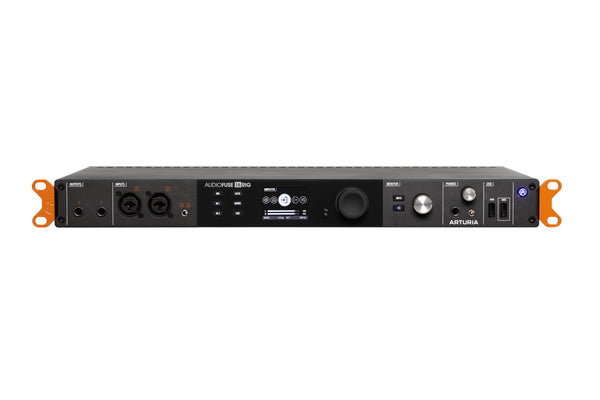
Arturia AudioFuse 16Rig USB Audio Interface
In Stock
Free Next-Day Air
Est. delivery by Fri, Nov 6


 Shop all Zoom
Find car audio installers near you, ratings, phone, and directions.
These are made to work together, add them to your cart in one click.
 This item
Zoom V3 Vocal Processor with USB Audio Interface
$279.99
This item
Zoom V3 Vocal Processor with USB Audio Interface
$279.99
 Shure SRH440A Over-Ear Studio Headphones
$109.00
Shure SRH440A Over-Ear Studio Headphones
$109.00
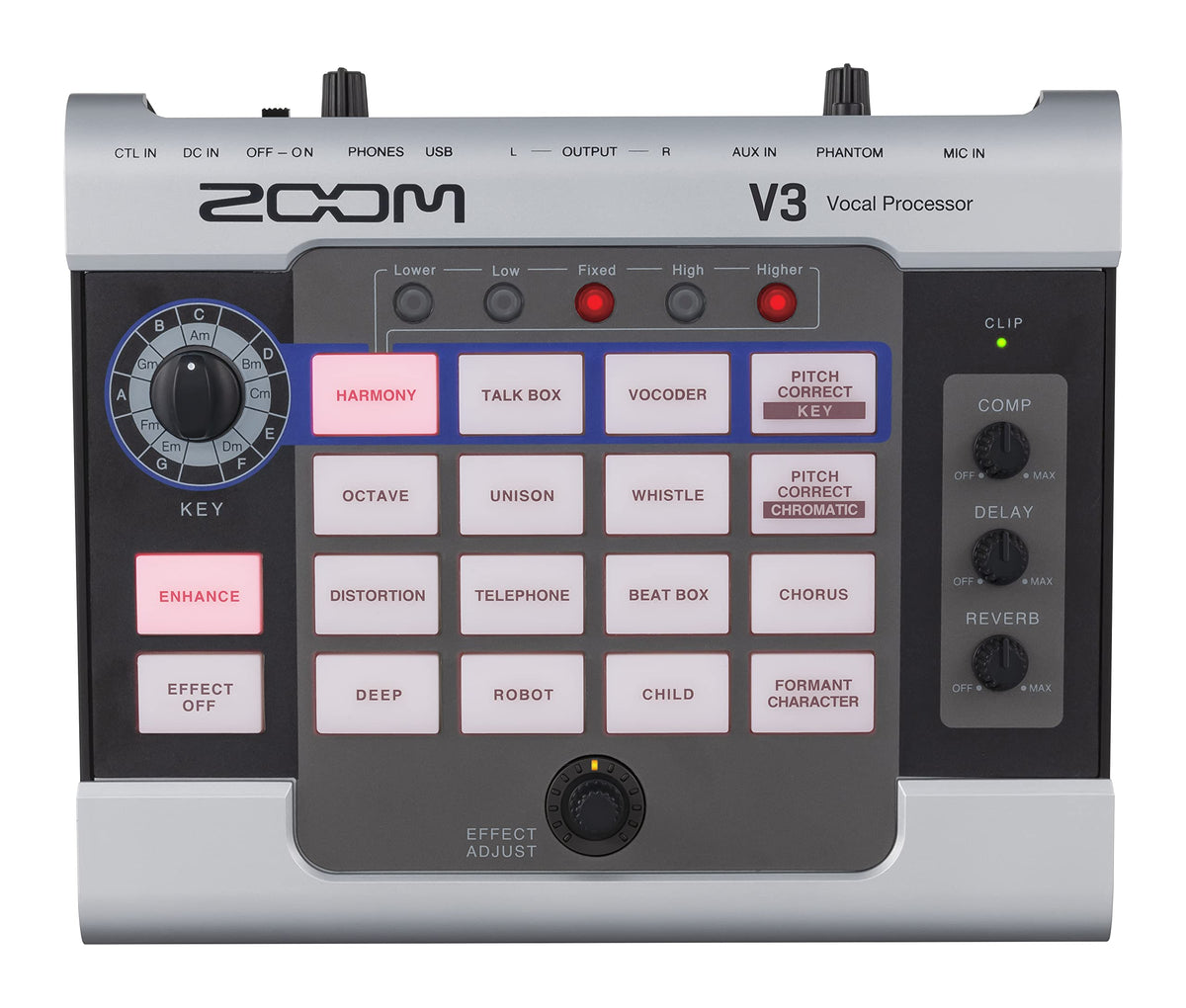
The Zoom V3 is a tabletop vocal processor designed to shape a microphone signal for live performance, streaming, recording, and online collaboration. It places pitch correction, harmony generation, creative voice effects, compression, delay, and reverb in one dedicated unit. This makes it a practical option for singers, podcasters, streamers, and creators who want hands-on vocal processing without building a larger rack-based setup.
Its sound-shaping approach ranges from subtle vocal support to deliberately transformed character effects. The V3 can create automatic harmonies from the selected song key, while pitch-correction modes can be used for controlled tuning effects. Compression, delay, reverb, and the Enhance function provide additional tools for refining vocal presence and consistency.
The processor provides 16 selectable voice effects, including Harmony, Vocoder, Talk Box, pitch-correction modes, Octave, Unison, Chorus, Robot, and Formant Character. Up to five effect types can operate at once: compressor, Enhance, one selectable effect, delay, and reverb. Dedicated controls keep common adjustments accessible during a performance or session.
An XLR microphone input with switchable +48V phantom power supports compatible condenser microphones as well as other XLR-connected mics. Stereo auxiliary input allows audio from a portable player or similar source to enter the setup, while left/right line outputs can feed a mixer, PA system, or recorder. A separate stereo headphone output with its own level control supports personal monitoring.
For computer-based work, the V3 functions as a 2-in/2-out USB 2.0 audio interface at 44.1 kHz with 16-, 24-, or 32-bit operation. It can run from four AA batteries, USB bus power, or the optional Zoom AD-16 9V DC adapter. This combination lets it serve as a compact front end for a live vocal rig, desktop streaming station, or mobile content-creation setup.
The V3 uses a compact tabletop format with clearly separated controls for harmony, effects, compression, delay, reverb, mic level, and headphone level. Illuminated controls and a clipping indicator support quick status checks during use. Zoom's published specifications do not state the enclosure material, but the unit includes mounting-accessory attachment threads for use with compatible Zoom mounts.
Connect an XLR microphone to the MIC IN jack, then route the L/R outputs to a mixer, PA system, or recorder; use the left output alone for mono operation. Connect headphones to the stereo mini-jack for monitoring, or use a data-capable USB Micro-B cable for audio-interface operation and USB power. Optional Zoom FS01 footswitch and FP02M expression pedal connections can provide hands-free effect control, and iOS/iPadOS devices using Lightning require a Lightning-to-USB camera adapter.
| Brand | Zoom |
|---|---|
| Model Number | ZV3 |
| Product Type | Vocal processor |
| UPC | 884354023386 |
| Selectable Effects | 16 types |
| Simultaneous Effects | 5 types |
| Simultaneous Effect Types | Compressor, Enhance, selectable effect, delay, and reverb |
| Selectable Effect List | Harmony, Vocoder, Talk Box, Pitch Correct-Key, Octave, Unison, Whistle, Pitch Correct-Chromatic, Distortion, Telephone, Beat Box, Chorus, Child, Robot, Deep, Formant Character |
| Harmony Voices Added | Up to 2 voices |
| Maximum Harmony Parts | 3 parts |
| Harmony Key Modes | Major and minor |
| Sampling Frequency | 44.1 kHz |
| A/D Conversion | 24-bit, 128× oversampling |
| D/A Conversion | 24-bit, 128× oversampling |
| Signal Processing | 32-bit |
| Frequency Response | 20 Hz–20 kHz (+1 dB/−3 dB, 10 kΩ load) |
| Microphone Input | XLR |
| Mic Input Gain | +3 to +40 dB |
| Mic Maximum Input Level | +4 dBu |
| Mic Input Impedance | 3 kΩ or higher |
| Phantom Power | +48 V, switchable |
| Aux Input | Stereo mini jack |
| Aux Rated Input Level | −10 dBu |
| Aux Input Impedance | 22 kΩ |
| Main Outputs | L/R unbalanced standard mono phone jacks |
| Main Output Maximum Level | +6 dBu |
| Main Output Impedance | 100 Ω |
| Headphone Output | Stereo mini jack |
| Headphone Maximum Output | 20 mW + 20 mW into 32 Ω |
| Equivalent Input Noise | −125 dBu or less, A-weighted; 150 Ω input, +40 dB gain, phantom off |
| Noise Floor | −75 dBu |
| Control Input | Zoom FS01 footswitch / FP02M expression pedal input |
| USB Connector | USB 2.0 Micro-B |
| USB Audio Interface | USB 2.0 Full Speed |
| USB Audio Channels | 2-in/2-out |
| USB Audio Sample Rate | 44.1 kHz |
| USB Audio Bit Depth | 16/24/32-bit |
| USB Bus Power | Supported |
| AC Adapter Requirement | Zoom AD-16, 9V DC, 500 mA, center negative |
| Battery Requirement | 4 AA batteries |
| Battery Runtime | About 3.5 hours continuous operation with alkaline batteries |
| Supported Battery Settings | Alkaline, nickel-metal hydride, and lithium |
| Standard Pitch Adjustment | 435–445 Hz in 1 Hz intervals |
| Eco Mode | Automatic power off after 10 hours of inactivity |
| Mounting | Mounting accessory attachment threads for Zoom HRM-7 or HRM-11 |
| External Depth | 150 mm |
| External Width | 190 mm |
| External Height | 50 mm |
| Weight | 0.59 kg, excluding batteries |
The V3 has an XLR microphone input with +3 to +40 dB input gain. Its switchable +48V phantom power supports compatible condenser microphones that require phantom power.
Yes. It operates as a 2-in/2-out USB 2.0 Full Speed audio interface at 44.1 kHz and 16-, 24-, or 32-bit depth. Use a USB cable that supports data transfer.
Yes. Its unbalanced left/right 1/4-inch TS outputs can connect to a mixer, PA system, recorder, or other compatible audio equipment. For mono use, connect the left output.
It can operate from four AA batteries, USB power, or a Zoom AD-16 9V DC 500 mA center-negative adapter. Alkaline AA batteries provide approximately 3.5 hours of continuous operation.
Yes. The CONTROL IN connection supports the optional Zoom FS01 footswitch for effect bypass and the optional Zoom FP02M expression pedal for effect adjustment. These accessories are separate from the processor.
It can connect to iOS and iPadOS devices by USB, and Zoom states that a driver is not required for those platforms. Devices using Lightning require a Lightning-to-USB camera adapter or Lightning-to-USB 3 camera adapter.
Zoom V3 Vocal Processor with USB Audio Interface
Shop all Arturia
 Shop all Arturia
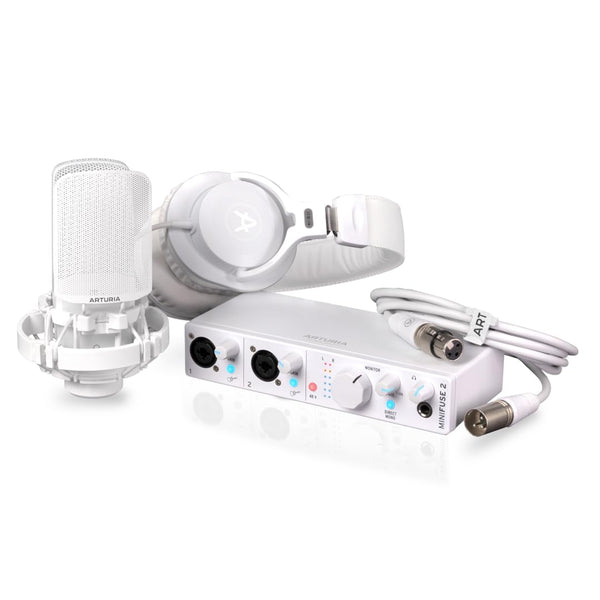 Shop all Arturia
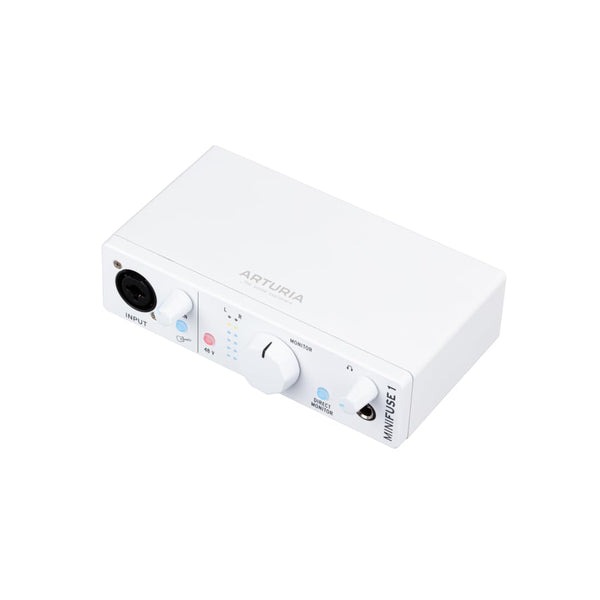 Shop all Arturia

 Shop all PreSonus
 Shop all PreSonus
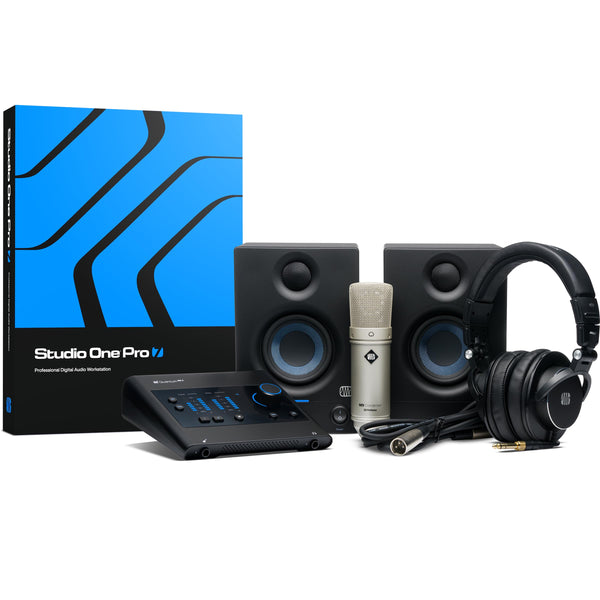 Shop all PreSonus
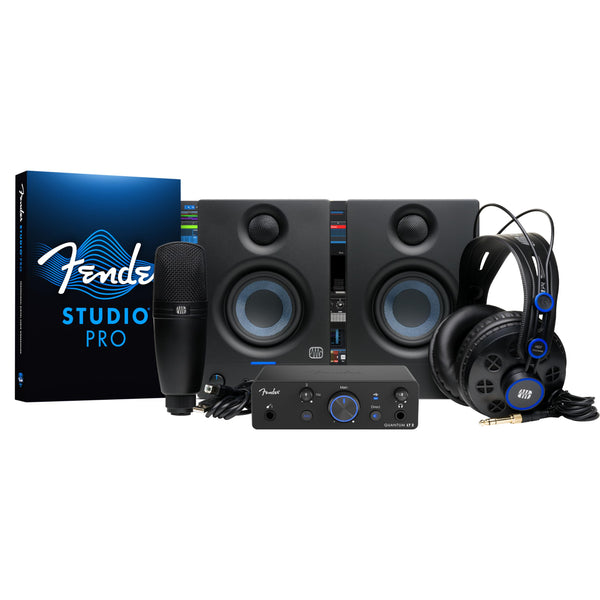 Shop all PreSonus
 Shop all PreSonus
 Shop all PreSonus
 Shop all PreSonus
 Shop all PreSonus
 Shop all Fender
 Shop all Fender
 Shop all Fender
 Shop all Fender
 Shop all Shure
 Shop all Mackie
 Shop all Shure
 Shop all Boss