

 Shop all sE Electronics
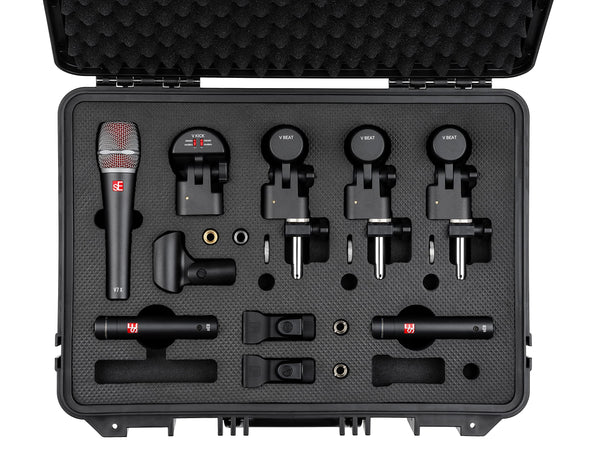
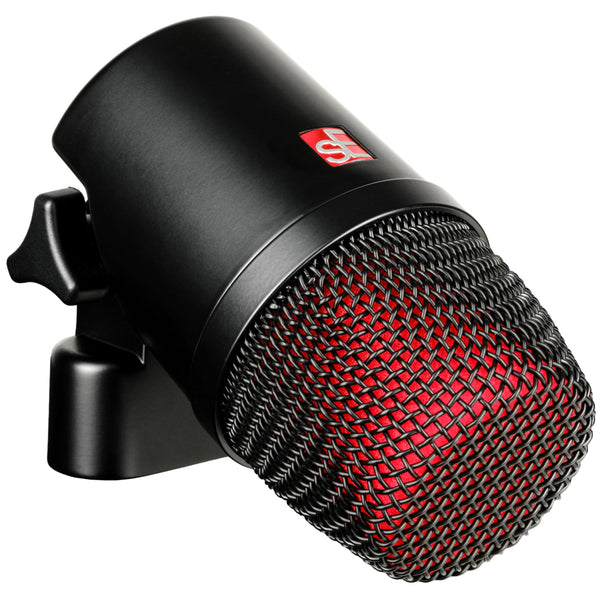
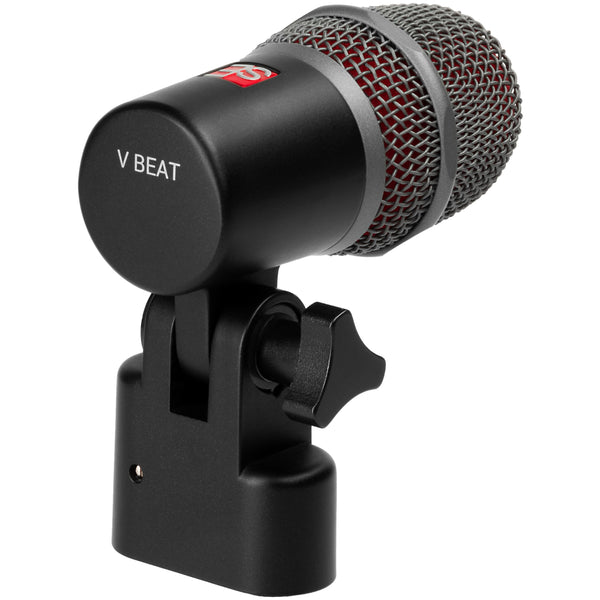
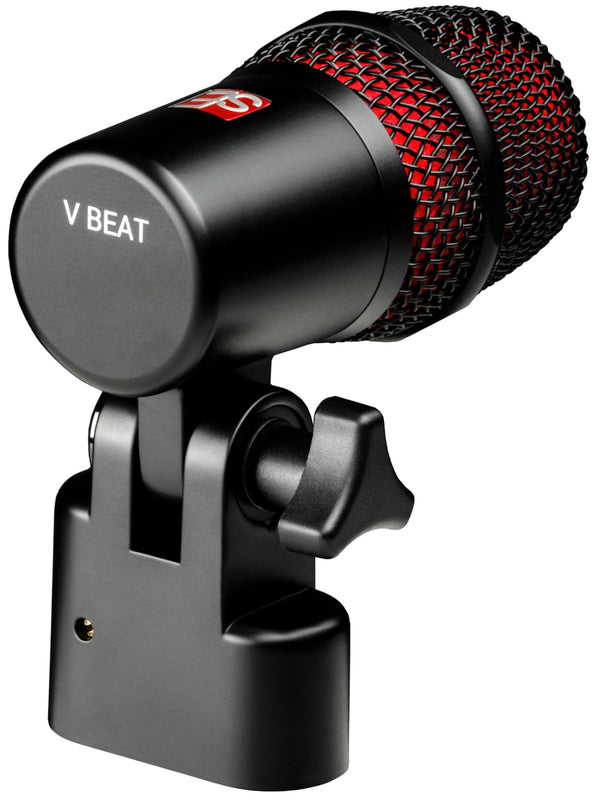
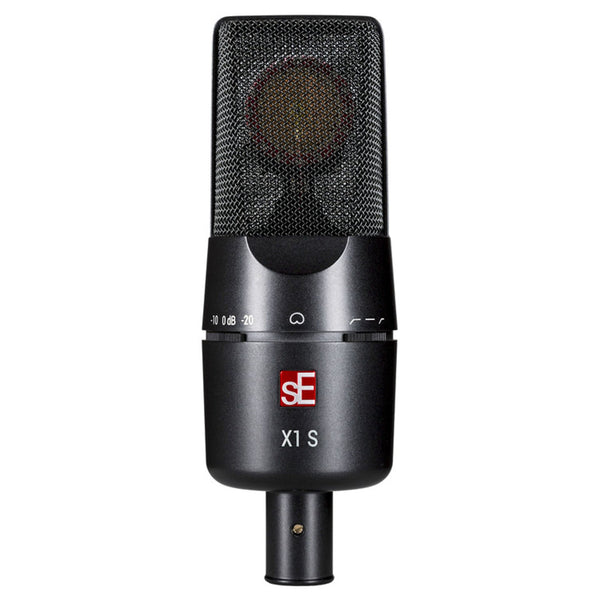
sE Electronics V Pack Arena 7-Piece Drum Microphone Kit
In Stock
Free Next-Day Air
Est. delivery by Thu, Sep 24


 Shop all Zoom
Find car audio installers near you, ratings, phone, and directions.
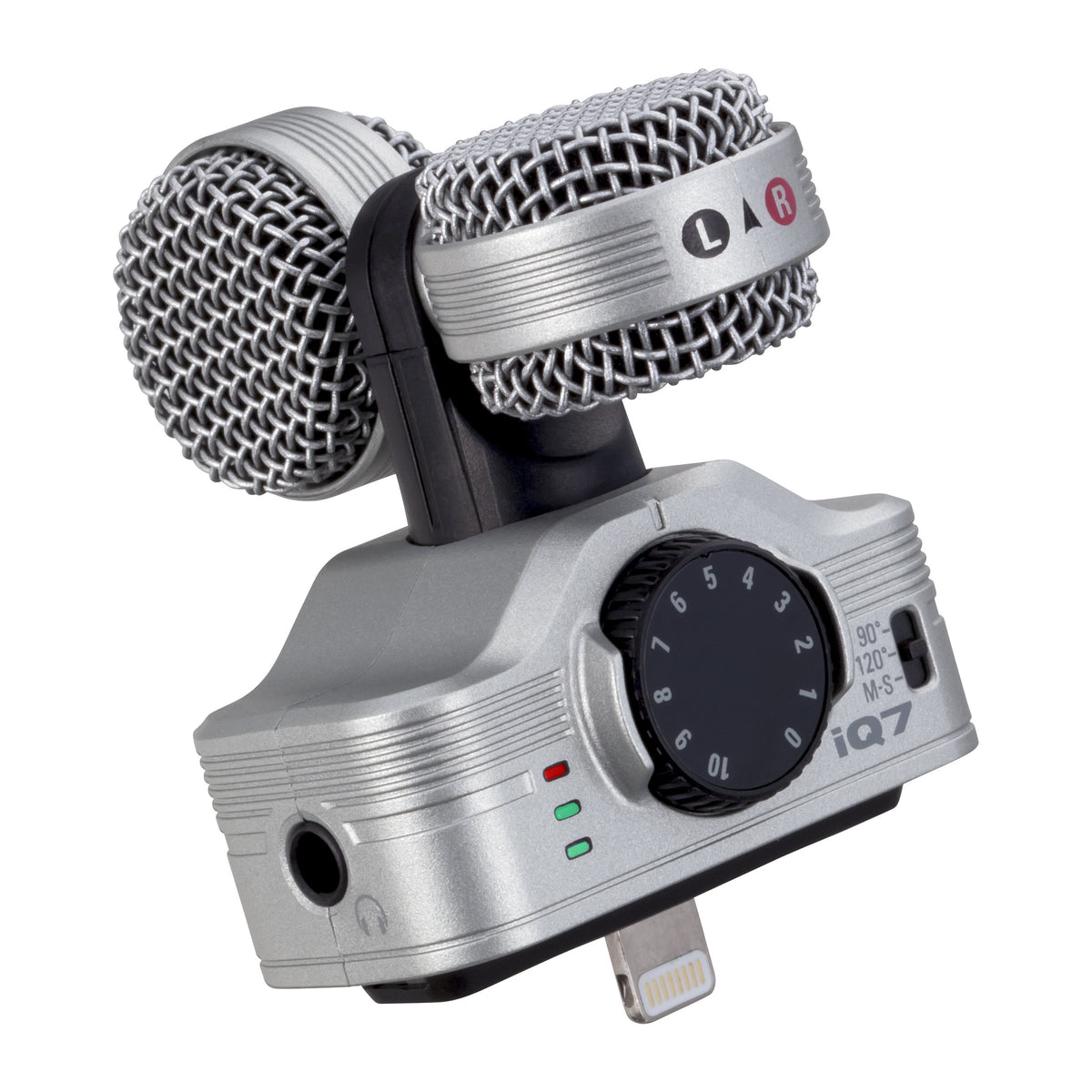
The Zoom iQ7 is a compact Mid-Side stereo microphone made for recording directly to compatible Lightning-equipped iPhone, iPad, and iPod touch devices. It provides a dedicated external microphone option for music, interviews, ambience, and other mobile audio-recording work. The microphone connects through the device’s Lightning port and is powered by the connected iOS device.
Its Mid-Side capsule arrangement combines a forward-facing mid microphone with a bidirectional side microphone. This design lets the user select a 90-degree or 120-degree stereo field at the microphone, or use M-S mode for later stereo-width adjustment in the compatible app. The result is a flexible stereo capture approach for sources ranging from focused speech to wider environmental sound.
The iQ7 includes a physical MIC GAIN control for setting recording level without relying only on touchscreen controls. An LED level indicator helps show connection and input status, including high-level conditions. With a maximum input sound pressure rating of 120 dB SPL, it is designed to accommodate a range of recording situations.
The rotating capsule supports audio and video-oriented physical positions, allowing the microphone to be aimed toward the sound source as the device is held differently. A 1/8-inch stereo mini output supports headphone monitoring and can also function as a line-level output. When used with the Zoom Handy Recorder app, the iQ7 supports direct monitoring from its output.
For an upgrade from a mobile device’s built-in microphone, the iQ7 adds adjustable stereo width, manual gain control, and a dedicated monitoring connection in a pocketable format. It includes a foam windscreen for basic wind reduction and a removable case adjuster for use with some device cases. Confirm the iOS device and app are compatible before purchase, as the iQ7 is designed specifically for Lightning-equipped devices and is not compatible with video or voice-call apps.
The iQ7 uses a compact integrated microphone housing with a rotating Mid-Side capsule, onboard gain knob, stereo-width switch, LED indicator, Lightning connector, and 1/8-inch stereo mini output. Its included foam windscreen fits the microphone for basic outdoor recording support. The removable case adjuster can help the connector fit with certain protective cases.
Connect the iQ7 fully to the Lightning port of a supported iOS device, then open Zoom Handy Recorder or another app that supports microphone input. Point the arrow on the mid microphone toward the source, choose the desired stereo-width setting, and set gain while watching the level indicator. For cleaner recordings, Zoom advises using Airplane Mode because wireless activity can introduce noise and phone calls stop recording.
| Product Type | Stereo microphone for iOS devices |
|---|---|
| Model | iQ7 |
| Microphone Configuration | Mid-Side (M-S) stereo microphone |
| Stereo Width Settings | 90°, 120°, M-S |
| Mid Microphone Pattern | Directional |
| Side Microphone Pattern | Bidirectional |
| Microphone Orientation | Rotatable capsule |
| Audio Position | Points connected device toward sound source |
| Video Position | Camera-oriented physical microphone position |
| Input Gain | +3 to +43 dB |
| Gain Control | Onboard MIC GAIN knob |
| Maximum Input Sound Pressure | 120 dB SPL |
| Audio Quality | 48 kHz/16-bit |
| Device Connector | Lightning connector |
| Output Connector | 1/8-inch stereo mini jack |
| Output Type | Combined headphone and line-level output |
| Monitoring | Direct monitoring with Zoom Handy Recorder app |
| Level Indicator | LED input and connection indicator |
| Level Indicator Threshold | Above -42 dB |
| Level Indicator Threshold | Above -12 dB |
| High-Level Indicator Threshold | Above -0.25 dB |
| Power Source | Powered by connected iOS device |
| Supported iOS | iOS 6 through iOS 26 |
| Supported iPadOS | iPadOS 13 through iPadOS 26 |
| Compatible iPhone Models | iPhone 5 through iPhone 14 Pro Max Lightning models |
| Compatible iPod touch Models | 5th, 6th, and 7th generation |
| Compatible iPad Models | iPad 4th through 9th generation |
| Compatible iPad Air Models | iPad Air, Air 2, and Air 3 |
| Compatible iPad mini Models | iPad mini through mini 5 |
| Compatible iPad Pro Models | iPad Pro and iPad Pro 2 |
| Video App Compatibility | Not compatible with video apps |
| Voice Call App Compatibility | Not compatible with voice-call apps |
| Included Accessories | Operation manual and foam windscreen |
| Optional Accessory | WSU-1 hairy windscreen |
| Case Compatibility Feature | Removable case adjuster |
| Width | 54.5 mm |
| Depth | 57.2 mm |
| Height | 26.5 mm |
| Weight | 30.5 g |
| Wireless Use Guidance | Airplane Mode recommended during recording |
The iQ7 is for compatible Lightning-equipped iPhone, iPad, and iPod touch models. Zoom’s current compatibility list includes iPhone 5 through iPhone 14-series Lightning models, select iPads, and fifth- through seventh-generation iPod touch models.
No direct USB-C compatibility is specified. The iQ7 has a built-in Lightning connector and should be used only with devices listed by Zoom as compatible.
No. Zoom states that the iQ7 is not compatible with video or voice-call apps. It is intended for compatible apps that support external microphone input.
The included accessories are an operation manual and foam windscreen. A WSU-1 hairy windscreen is listed as an optional accessory.
Yes. The iQ7 has a 1/8-inch stereo mini jack for headphones and line-level output. Direct monitoring is available when using the Zoom Handy Recorder app.
Possibly. The iQ7 includes a removable case adjuster that can help it connect through some cases, but Zoom notes that certain cases may still prevent a complete connection.

Zoom iQ7 Lightning Mid-Side Stereo Microphone for iOS
Shop all sE Electronics
 Shop all sE Electronics
 Shop all sE Electronics
 Shop all sE Electronics
 Shop all sE Electronics
 Shop all sE Electronics
 Shop all sE Electronics
 Shop all sE Electronics
 Shop all sE Electronics
 Shop all sE Electronics
 Shop all sE Electronics
 Shop all sE Electronics
 Shop all sE Electronics
 Shop all sE Electronics
 Shop all sE Electronics
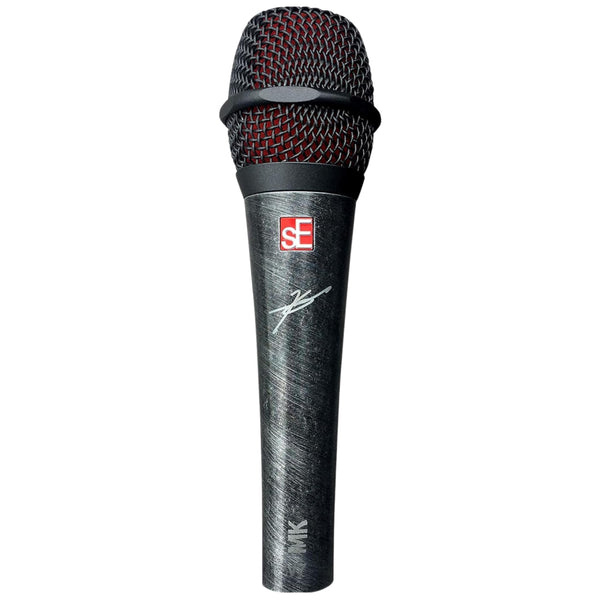 Shop all sE Electronics
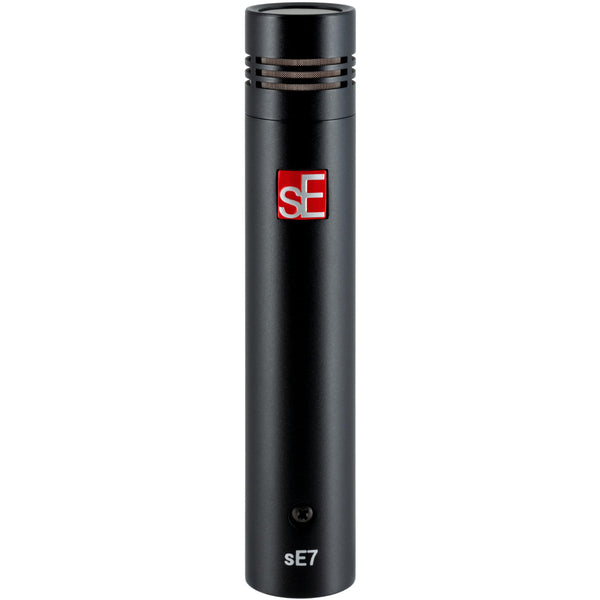 Shop all sE Electronics
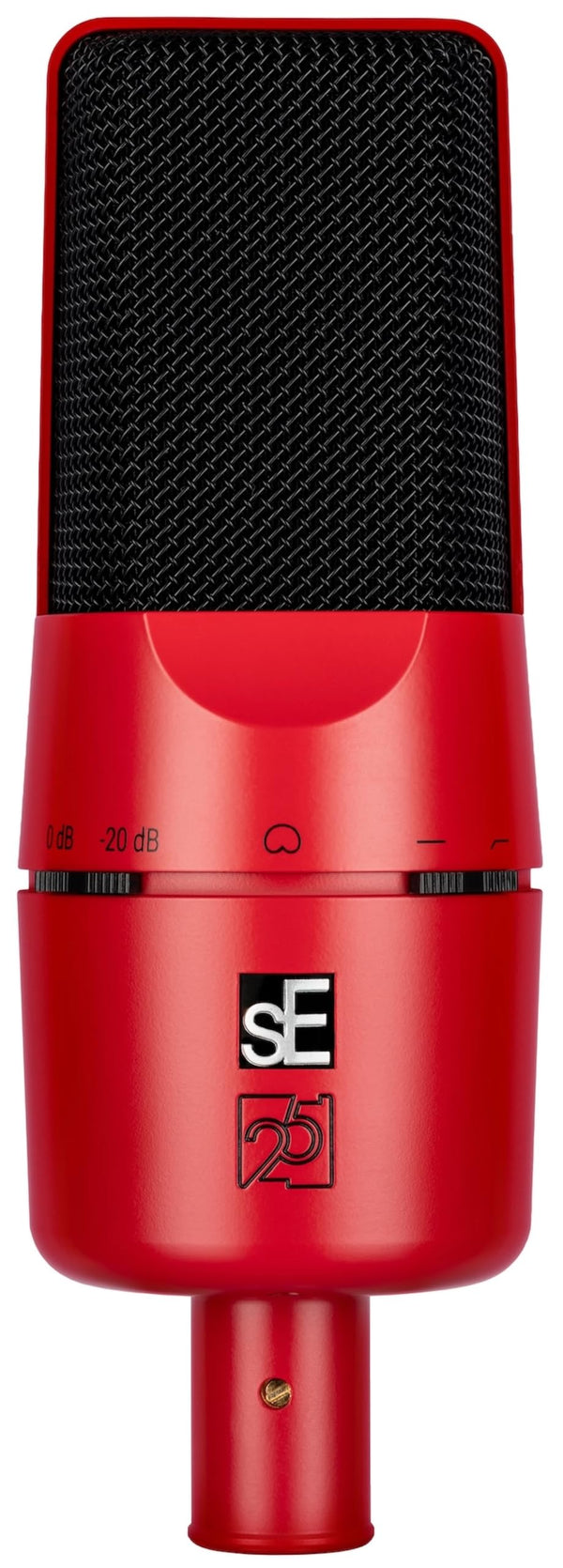 Shop all sE Electronics
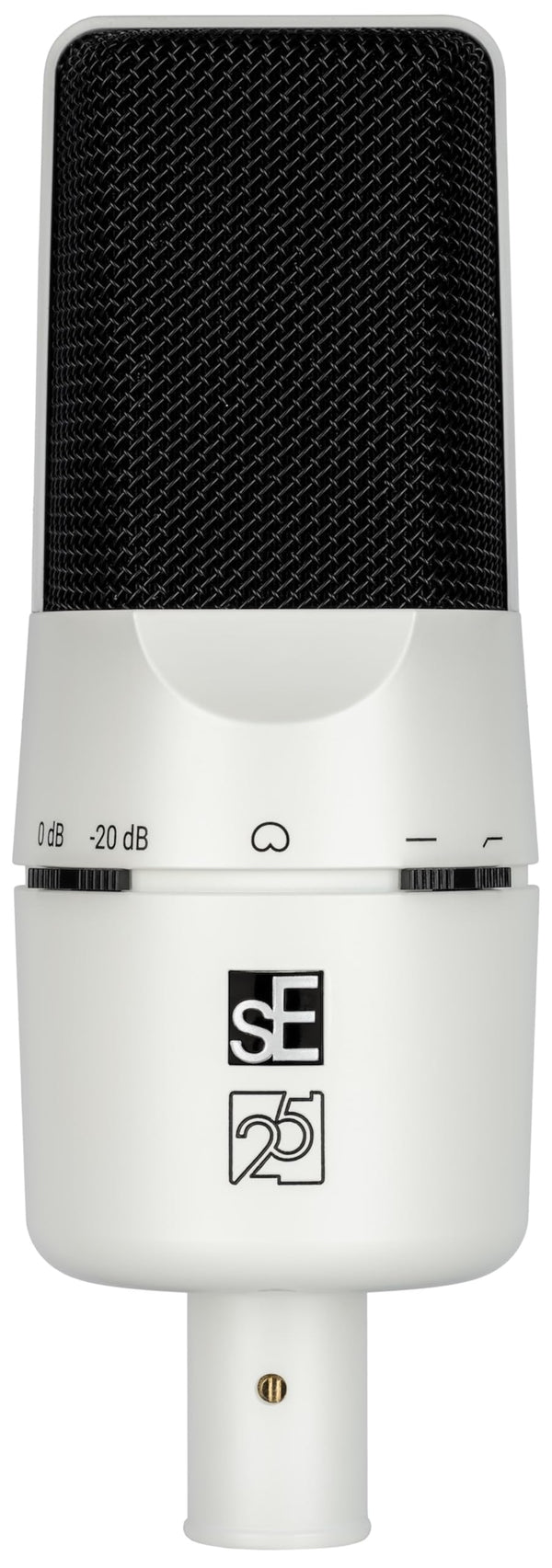 Shop all sE Electronics
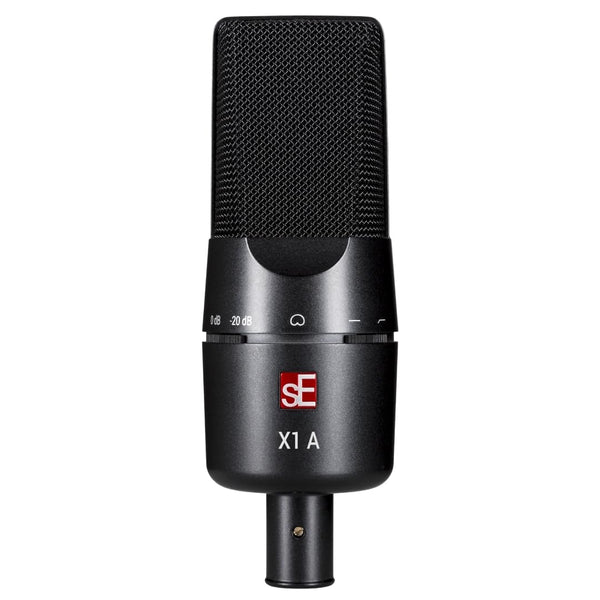 Shop all sE Electronics